




What Can You Mount Under a Desk?

Desk space disappears fast once a console, a Mac Mini, or a controller dock claims real estate on top — less legroom, cable clutter, no clear surface left to actually work or game on. The fix isn't a bigger desk; it's moving the gear underneath the one you already have. HIDEit makes console-specific under-desk mounts for the PS5 and PS5 Pro, the Xbox Series S, and a dedicated Mac Mini M4 Mount. Each is a steel bracket that holds the device securely beneath the desk surface, with cables routed behind it so the desktop itself stays clear. Pick whichever device is eating your desk space — there's a mount built for it.

Mac Mini M4 — Free Up Every Inch of Desk Space

The Mac Mini M4 doesn't need any of your desk surface to run — it just needs power and a display connection, both of which reach fine from underneath. The HIDEit Mac Mini Mount holds the M4 (and M4 Pro) on a steel bracket fixed to the underside of the desk, moving the computer off the surface entirely: no footprint next to the monitor, no dust collecting around it, no visual clutter. Cables route behind the mount instead of trailing across the desktop. Install is screwdriver-only — mark the bracket position, mount it, slide the Mac Mini in — done in a few minutes, and the desk stays clear for as long as you need it that way.

mini4_under_desk.png

PS5 / PS5 Pro — Same Reach, None of the Footprint

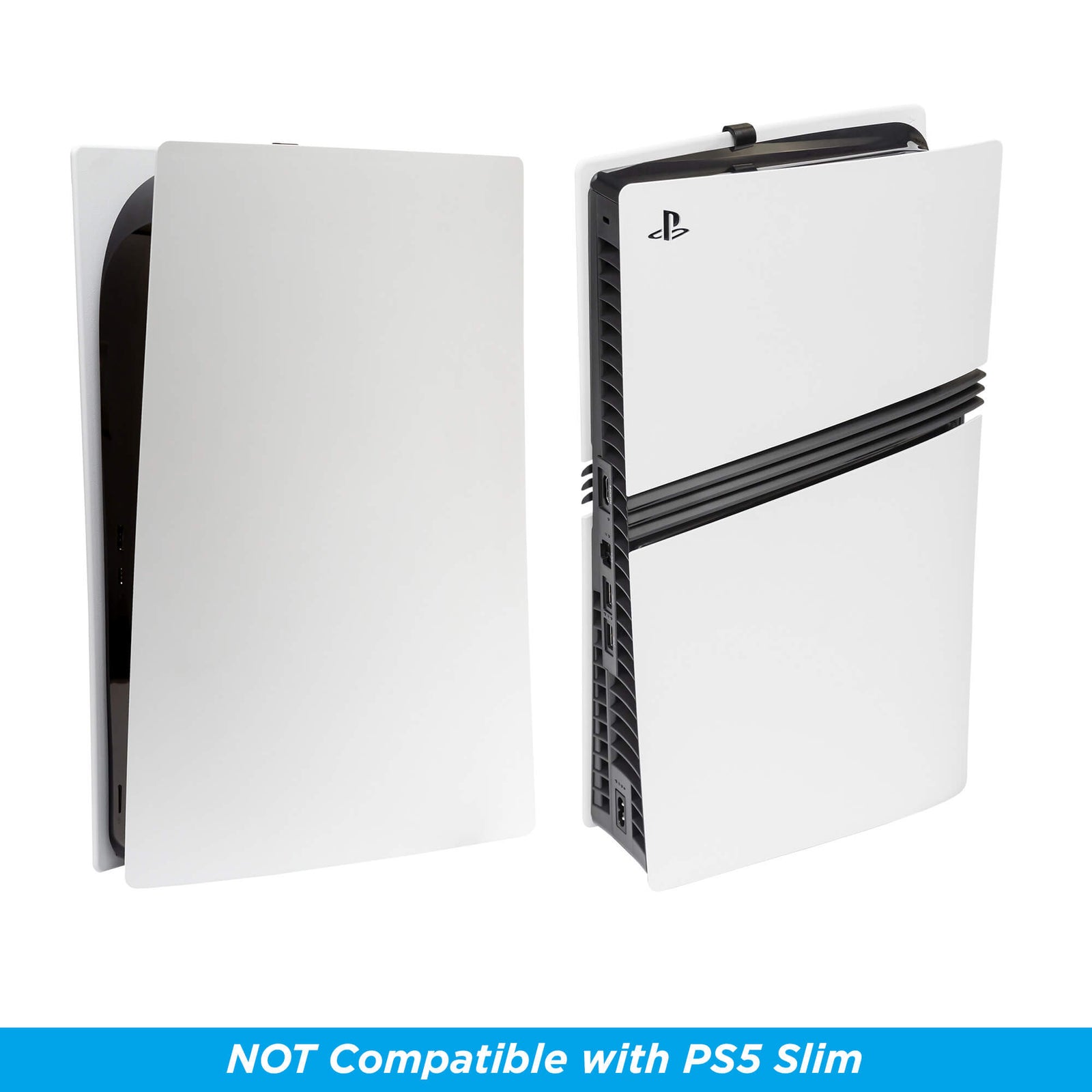
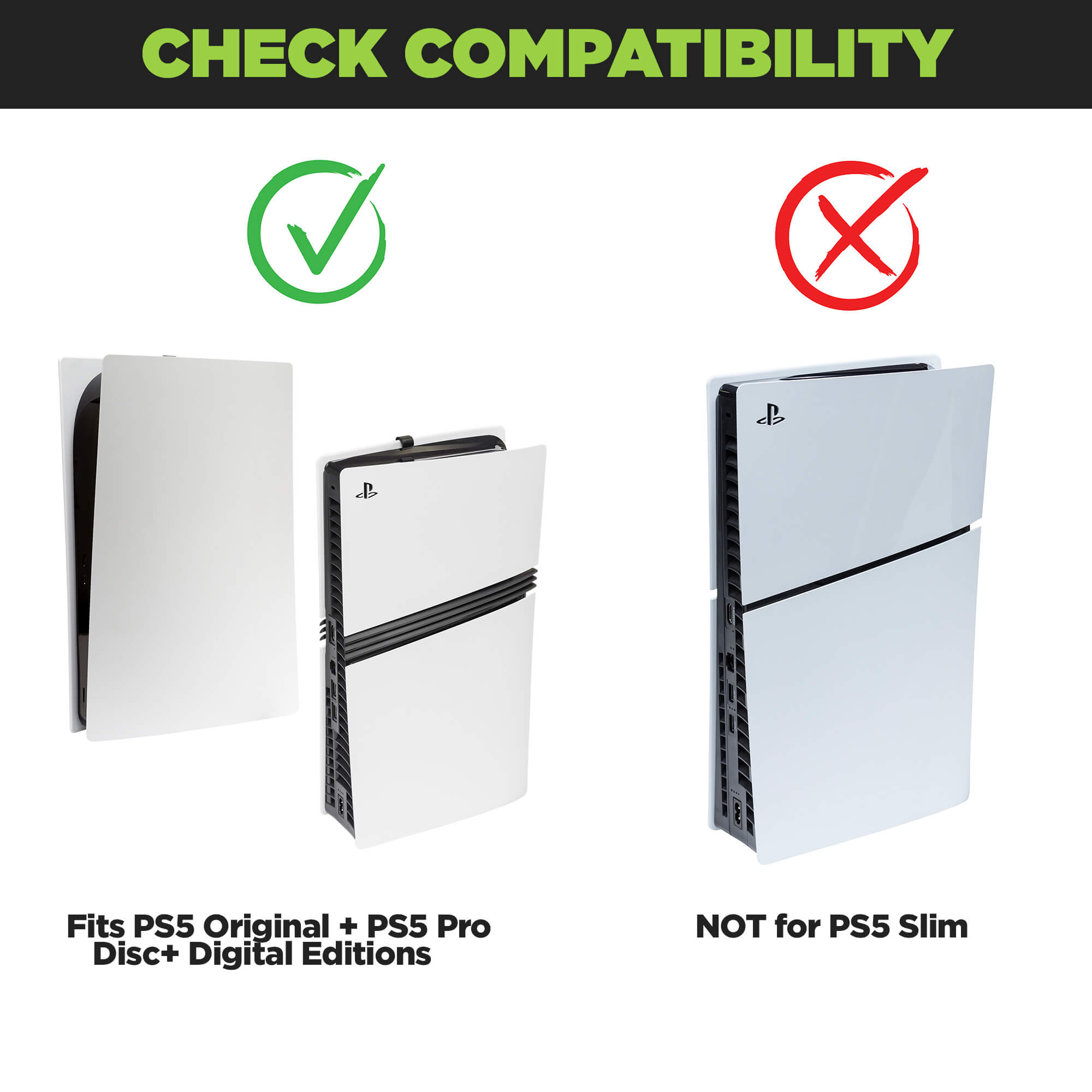
The PS5 is usually the single biggest thing taking up space on a gaming desk, and it doesn't have to sit on the desk at all. The HIDEit PS5 + PS5 Pro Wall Mount holds either console underneath the desk on a steel bracket, with full access preserved for controller pairing, disc swaps, and port access — nothing about day-to-day use changes, only where the console physically sits. Cables route behind the mount instead of across the desk. Covers both the PS5 Digital/Disc Edition and the PS5 Pro. Install takes just minutes: mark the holes, mount the bracket, slide the console in.

xbox_square_blog.png

Xbox Series S — Under the Desk, Not on It

The HIDEit Xbox Series S Mount holds the console on a steel bracket fixed to the underside of the desk, with the same straightforward install used across the HIDEit under-desk line: mark the mounting holes, mount the bracket, slide the console in. No separate hardware to track down, no modifications to the console itself — just a spot underneath the desk instead of on top of it. Done in a few minutes.

square_under_desl.png

One Device or Several

Pick whichever device is actually eating your desk space right now — a mount doesn't have to be a whole-desk overhaul. Mount the one thing crowding your setup today, and add a second mount later if another device starts taking over the surface again. There's no need to move everything under the desk at once to get the benefit.

Mark — mark the mounting holes on the underside of the desk.
Mount — mount the bracket.
Slide in — slide the device in. Done in just minutes.

Frequently Asked Questions

  • HIDEit under-desk mounts are designed with airflow in mind, so a mounted device stays ventilated the way it would sitting on the desk.

  • Yes — install is renter-friendly because it mounts to the underside of your own desk, not the wall, so there's nothing to patch or explain to a landlord when you move. The bracket does attach with hardware (mark the holes, mount the bracket, slide the device in), so it's "no wall damage," not "no hardware at all."

  • The mount is designed for a standard desk thickness and installs into typical desk materials, including wood — the most common desk surface. If your desk has an unusual thickness or a harder material like metal or glass, check the product page for exact bracket specs before ordering.

  • The mount is built to hold the console securely with margin beyond its own weight, so normal use — cables, a controller resting on top, everyday handling — isn't a concern. For the exact rated capacity, check the specific product page.

PlayStation

Nintendo

Xbox

Apple

Dell